
Layout & Design
SilverGrid Builder Pro
Custom grid layouts for Shopping Experiences – no code needed
Video
How Grid Builder Pro works
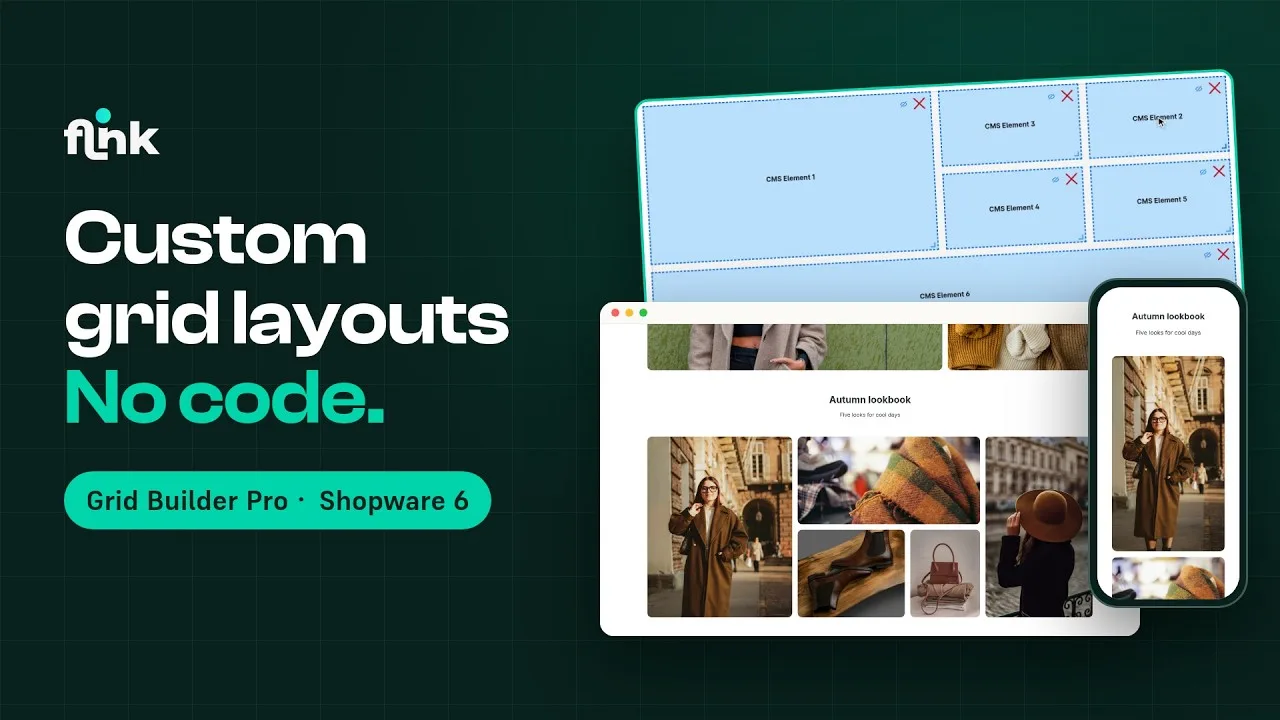
Playing the video loads it from YouTube and transfers data to YouTube. Privacy policy
Highlights
What Grid Builder Pro can do
- Intuitive grid editor right in the Administration
- Build your own grid layouts for Shopping Experiences
- Eight ready-made grids right after installation
- Template library: insert fully designed sections with one click, with new templates added regularly
- Responsive: a separate layout for mobile, tablet, laptop and desktop (optionally XL/XXL)
- Optional AI generator: grids from a screenshot, sketch or text
Template library
Ready-made sections in one click
21 templates for home pages, categories and campaigns – with grid, images, texts and styling. New ones are added all the time.



Features
Why Grid Builder Pro?
Free-form grids made to measure
Set exactly how many rows and columns your layout has and where each element sits – with as many elements as you like.
Responsive by design
Decide for each viewport – mobile, tablet, laptop, desktop and optionally Desktop XL/XXL – how your grid behaves.
Intuitive editor
Draw, resize and swap elements with your mouse, with a live preview – no CSS skills or developer needed.
Templates & slot styles
Start with ready-made presets and style each slot with padding, background color, background image and border radius.
AI grid generator
Optional in-app purchase: upload a screenshot or describe your layout – the AI builds the matching responsive grid.
Seamlessly integrated into Shopping Experiences
Create, insert and fill grids right in the Shopping Experience editor – the block category always comes first.
Description
With Grid Builder Pro for Shopware 6 Shopping Experiences, you’re finally completely free to create appealing grid layouts. The intuitive editor lets you build your own layout blocks for Shopping Experiences – with as many elements as your layout needs. You define exactly how many rows and columns your grid has and where the elements are placed.
On top of that, your layouts are responsive: you decide exactly how they look on phones, tablets, laptops and desktops – and on Desktop XL and XXL if you need to.
So you don’t have to start from scratch, the plugin creates eight ready-made grids when you install it. If you want it even faster, let the optional AI generator build a grid from a screenshot, a sketch or a short description.
Once you’ve created a grid layout, you add it to a Shopping Experience layout as usual and fill it with the elements you want. Grid Builder Pro requires Shopware 6.7.
Live-Demo
Try Grid Builder Pro yourself
The plugin is installed and set up in our demo shop – no installation of your own needed.
Administration
Explore the settings in the admin
See how you set up the plugin in the Shopware admin.
- User
- demo
- Password
- demo1234
Grid Builder Pro from €9.92/month
Install it straight from the Shopware Community Store and use it in your shop right away.