
Template library · Grid Builder Pro
Templates for Shopware Shopping Experiences
Fully designed sections for your home page, categories and campaigns. With Grid Builder Pro, you insert them into any Shopping Experience with one click – then just swap in your own images and texts. New templates are added all the time.
- Templates
- 21
- Included
- 15
- Seasonal & Pro
- 6
Gallery
All templates
21 templates
 Preview
Campaigns & seasons
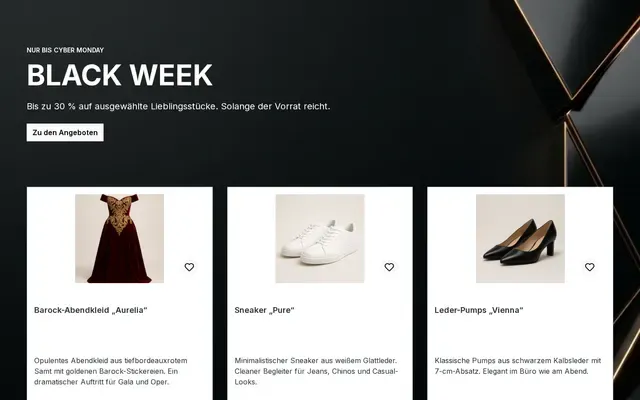
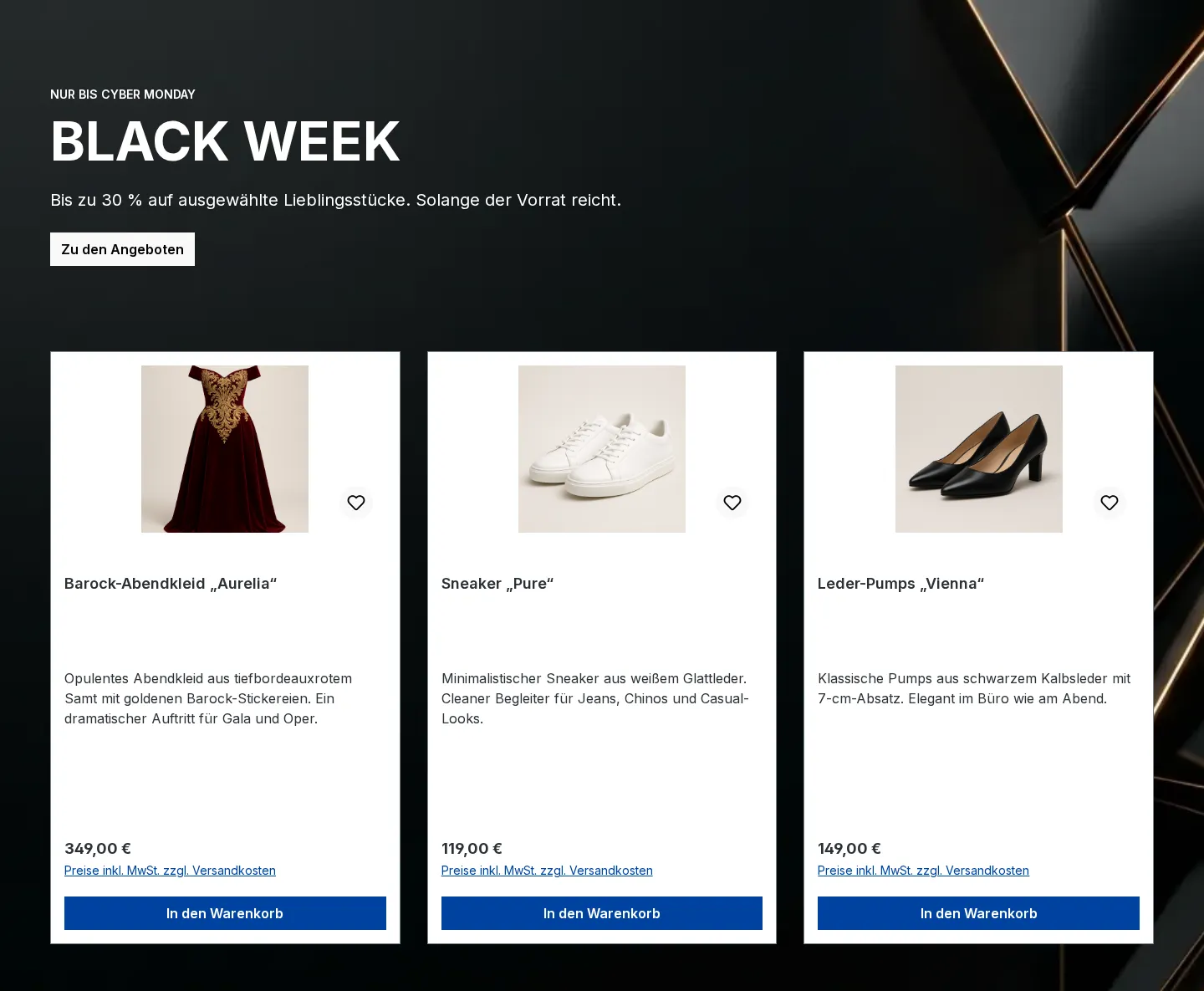
ProNewBlack Week: hero with three offers
Dark stage with your Black Week message and three product boxes for your best deals.
 Preview
Campaigns & seasons
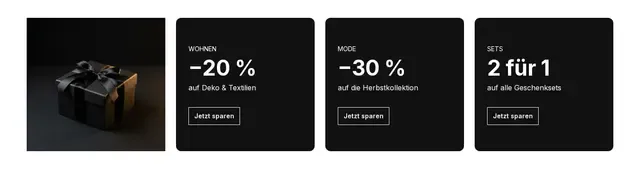
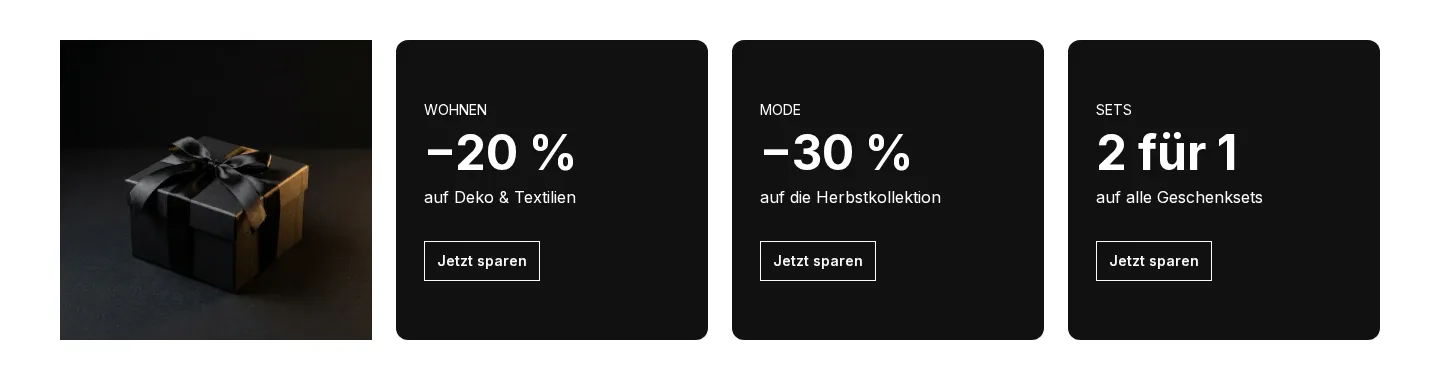
ProNewBlack Week: image and three discount tiles
A gift image and three black tiles with discounts per category. Quick to adapt to your sale.
 Preview
Campaigns & seasons
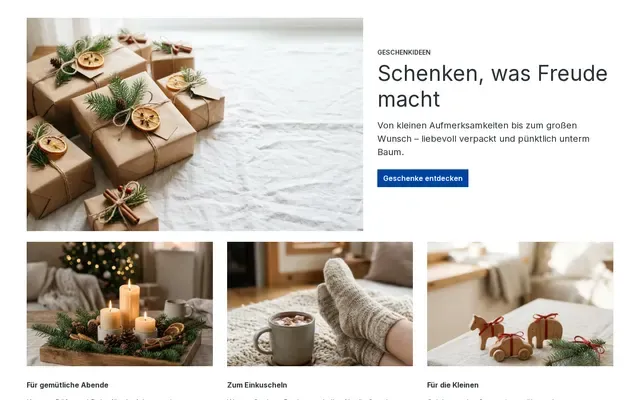
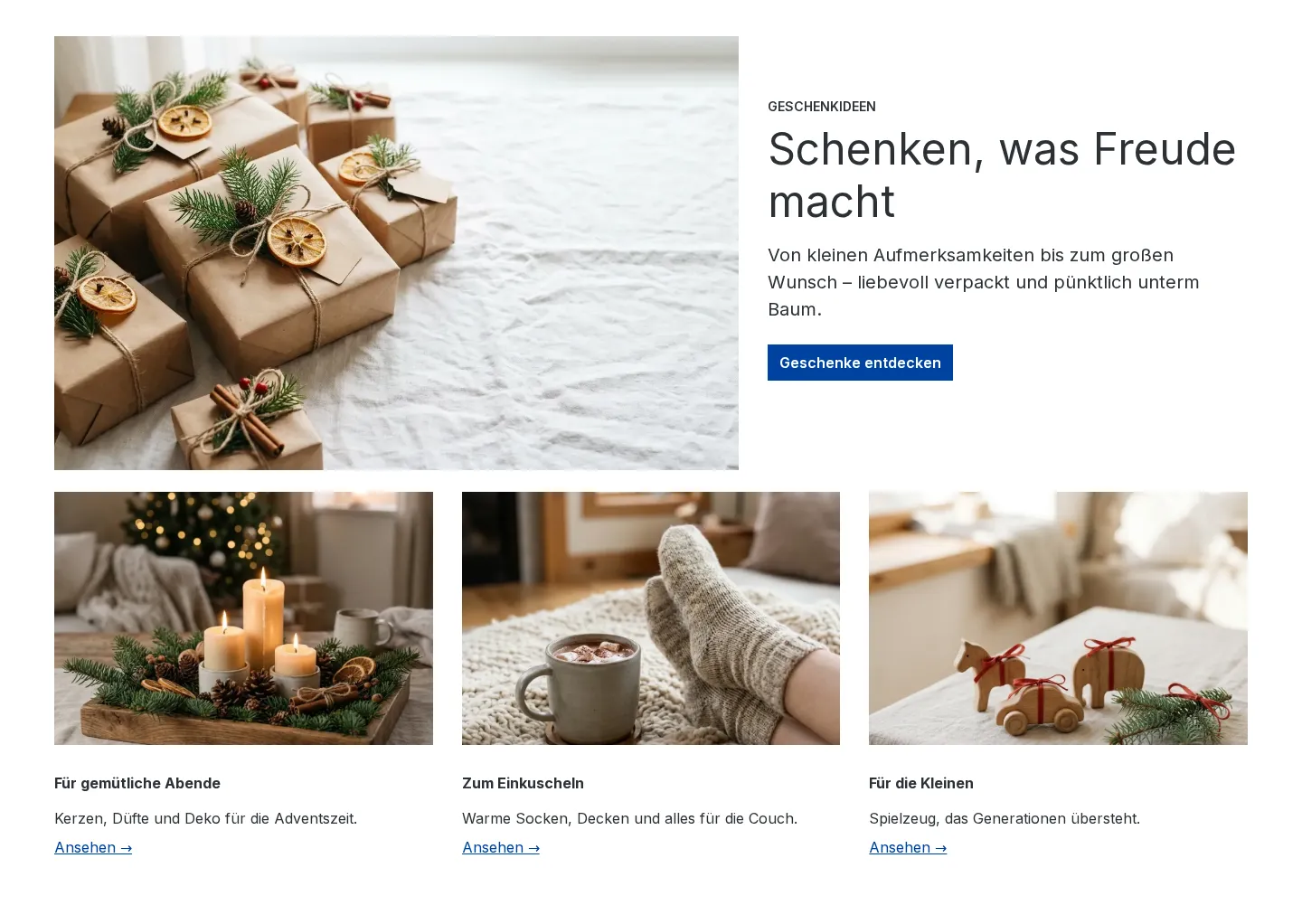
ProNewChristmas: gift guide
Festive hero with a gift image, followed by three tiles with gift ideas by theme.
 Preview
Campaigns & seasons
ProNewChristmas: order deadline bar
Four boxes with order deadlines, express option, gift cards and extended returns. Adjust the dates to your shipping.
 Preview
Campaigns & seasons
ProNewCyber Monday: banner with discount code
Full-width night-blue banner with a discount code and end date. Adjust the code to your promotion.
 Preview
Campaigns & seasons
ProNewWinter sale: banner
Bright wintry banner for your post-Christmas sale with a discount and a button.
 Preview
Hero & stages
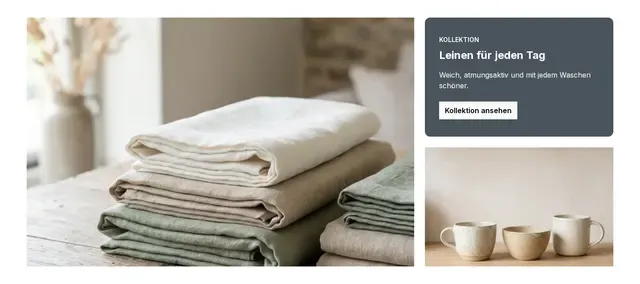
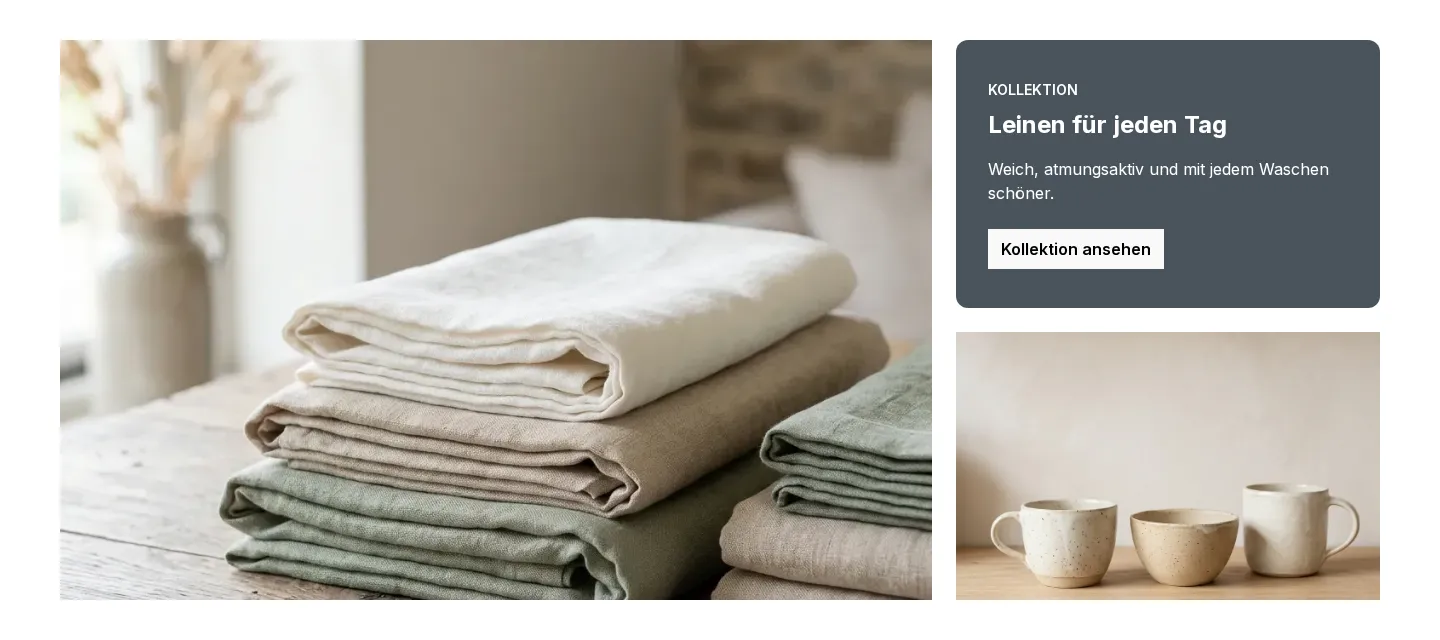
Hero with two tiles
Large image on the left, a text tile and a second image next to it. Great for new arrivals or a collection.
 Preview
Hero & stages
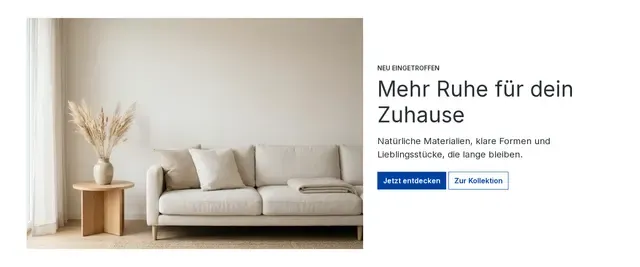
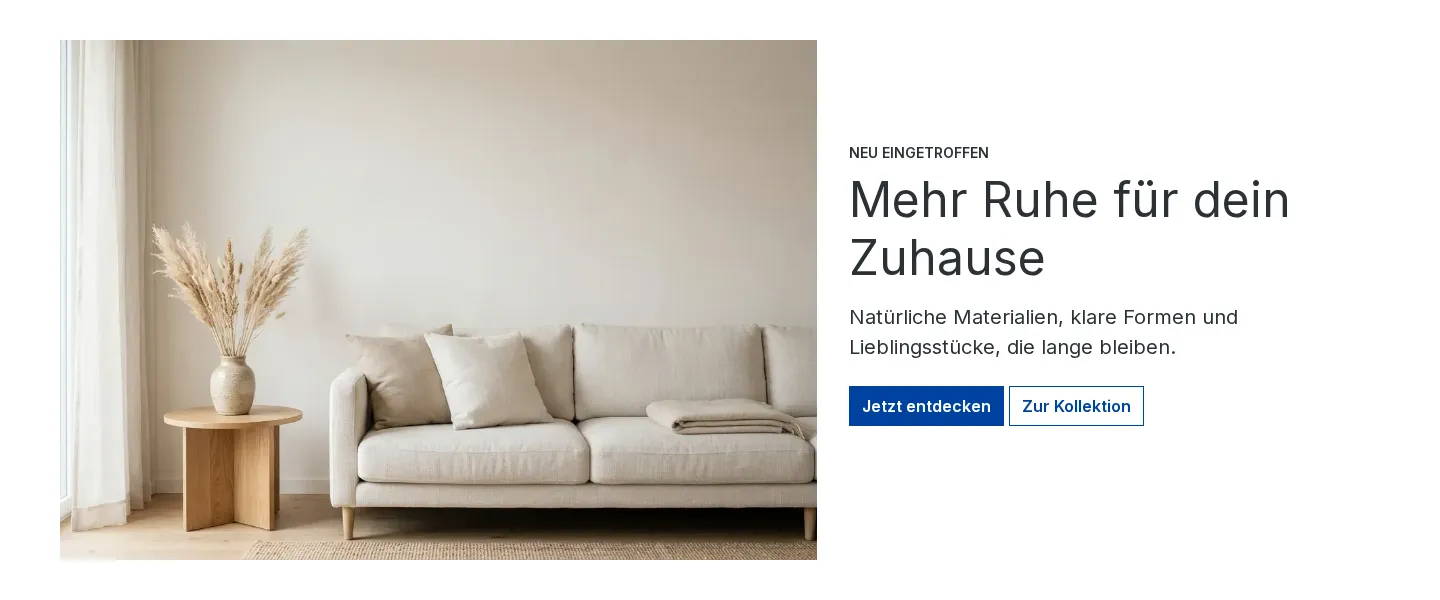
Hero: image left, text right
Large mood image with a headline, short copy and two buttons. A strong opener for the homepage.
 Preview
Hero & stages
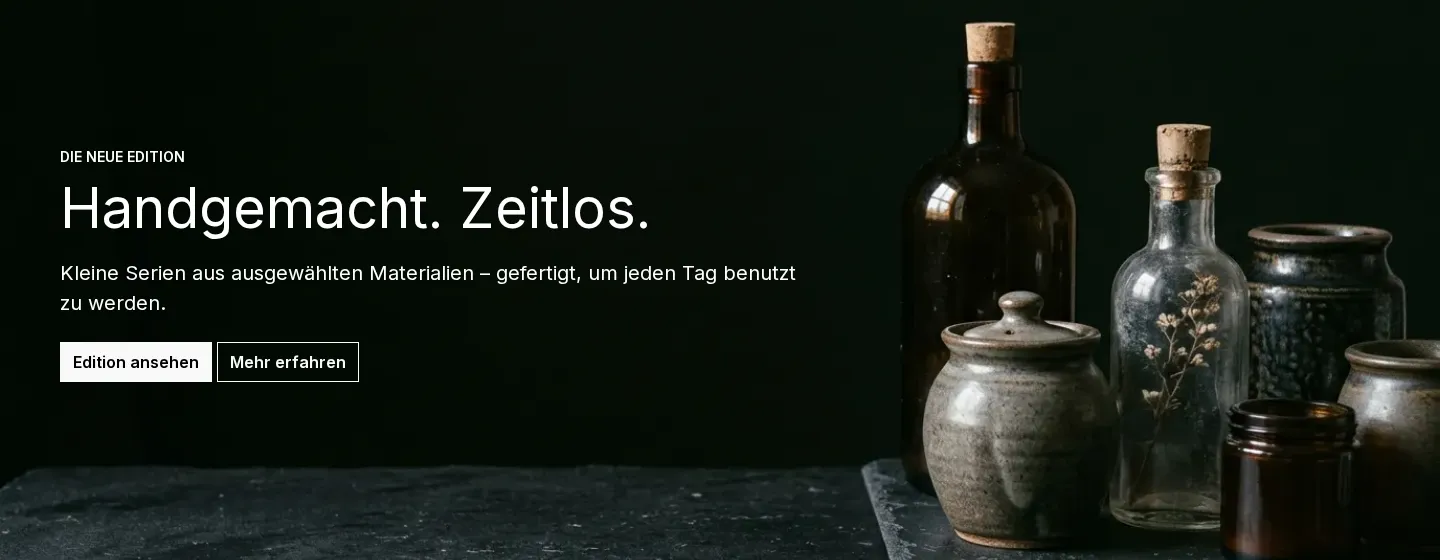
Hero: text on a dark image
Full-width stage with white text on a dark background image. Made for premium products and brand moments.
 Preview
Category intros
Category intro with subcategories
Heading, intro copy and buttons to subcategories on a light background image. For the top of category pages.
 Preview
Category intros
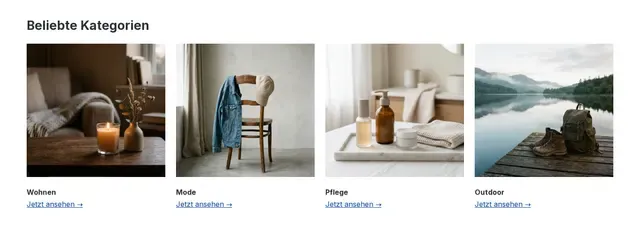
Four category tiles
Heading and four image tiles with category names and links. Leads visitors quickly to your main areas.
 Preview
Brand & story
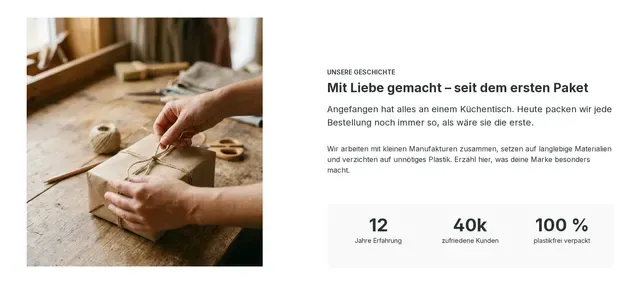
Brand story with facts
Portrait image, a short story about your brand and three key figures. For about pages and the homepage.
 Preview
USP & trust
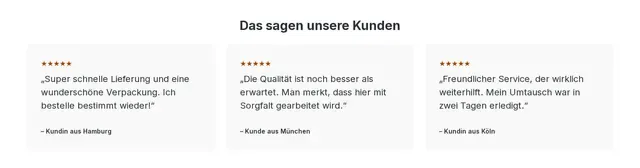
Customer reviews in three cards
Heading and three cards with customer reviews. Replace the sample copy with real reviews.
 Preview
USP & trust
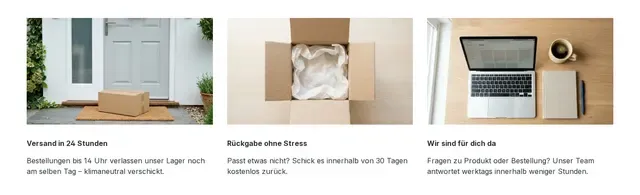
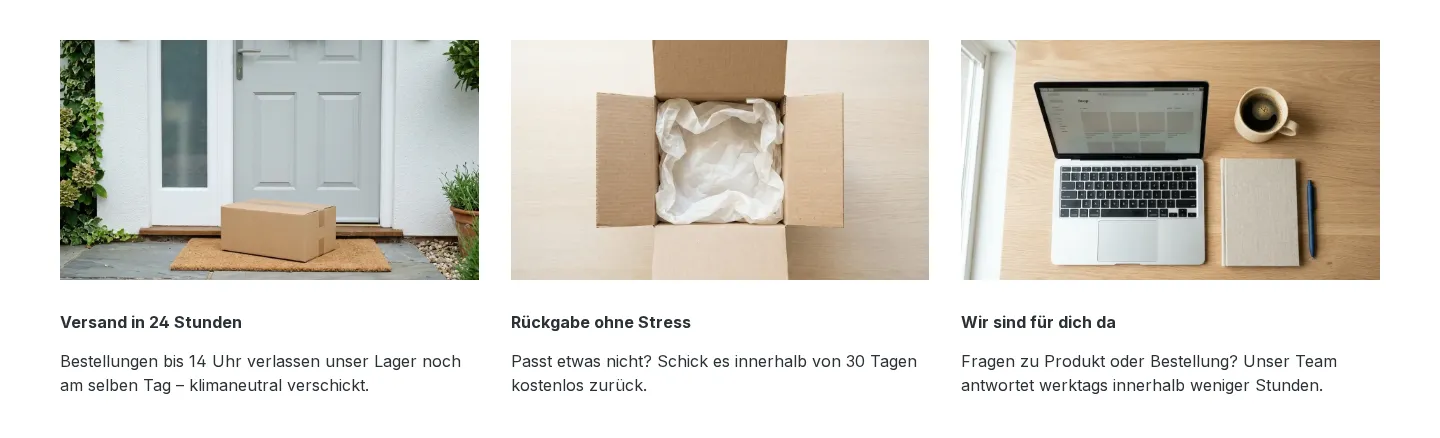
Three trust cards with images
Three image cards about shipping, returns and customer service. Builds trust before the purchase.
 Preview
USP & trust
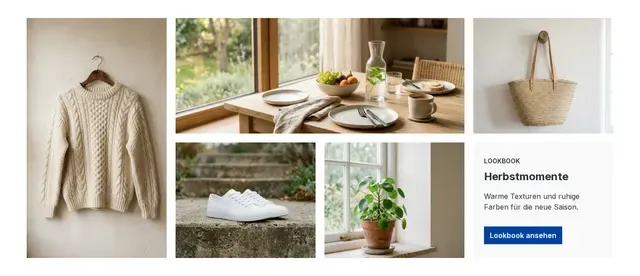
USP bar with four benefits
Four compact boxes with your key benefits such as shipping, returns and service. Fits below any hero.
 Preview
Lookbook & mosaic
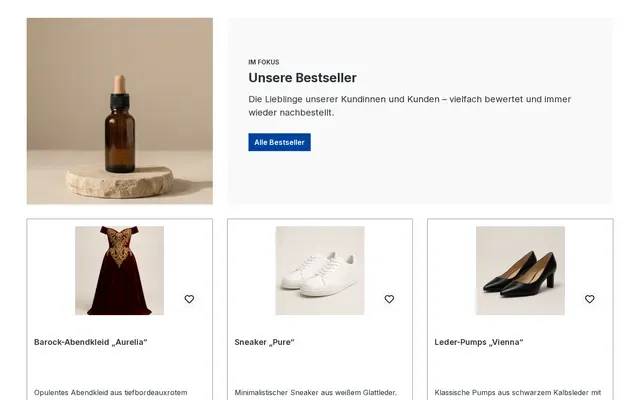
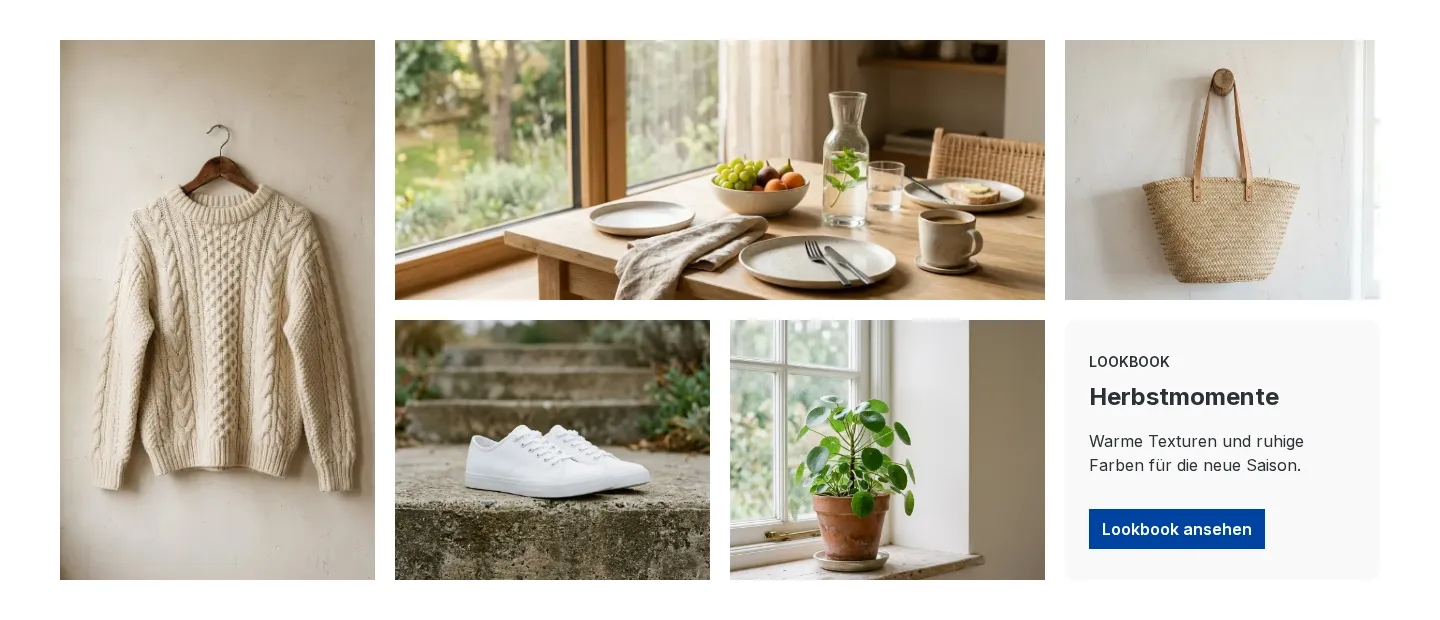
Lookbook mosaic with five images
A varied mosaic of portrait, landscape and square images with a text tile. For collections and inspiration.
 Preview
Product highlights
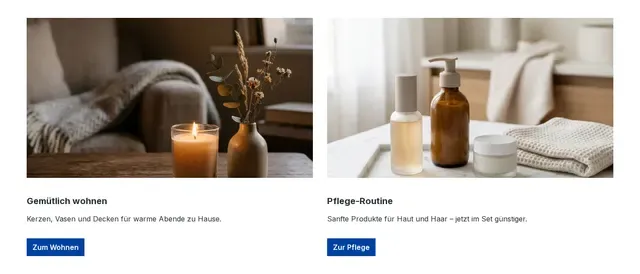
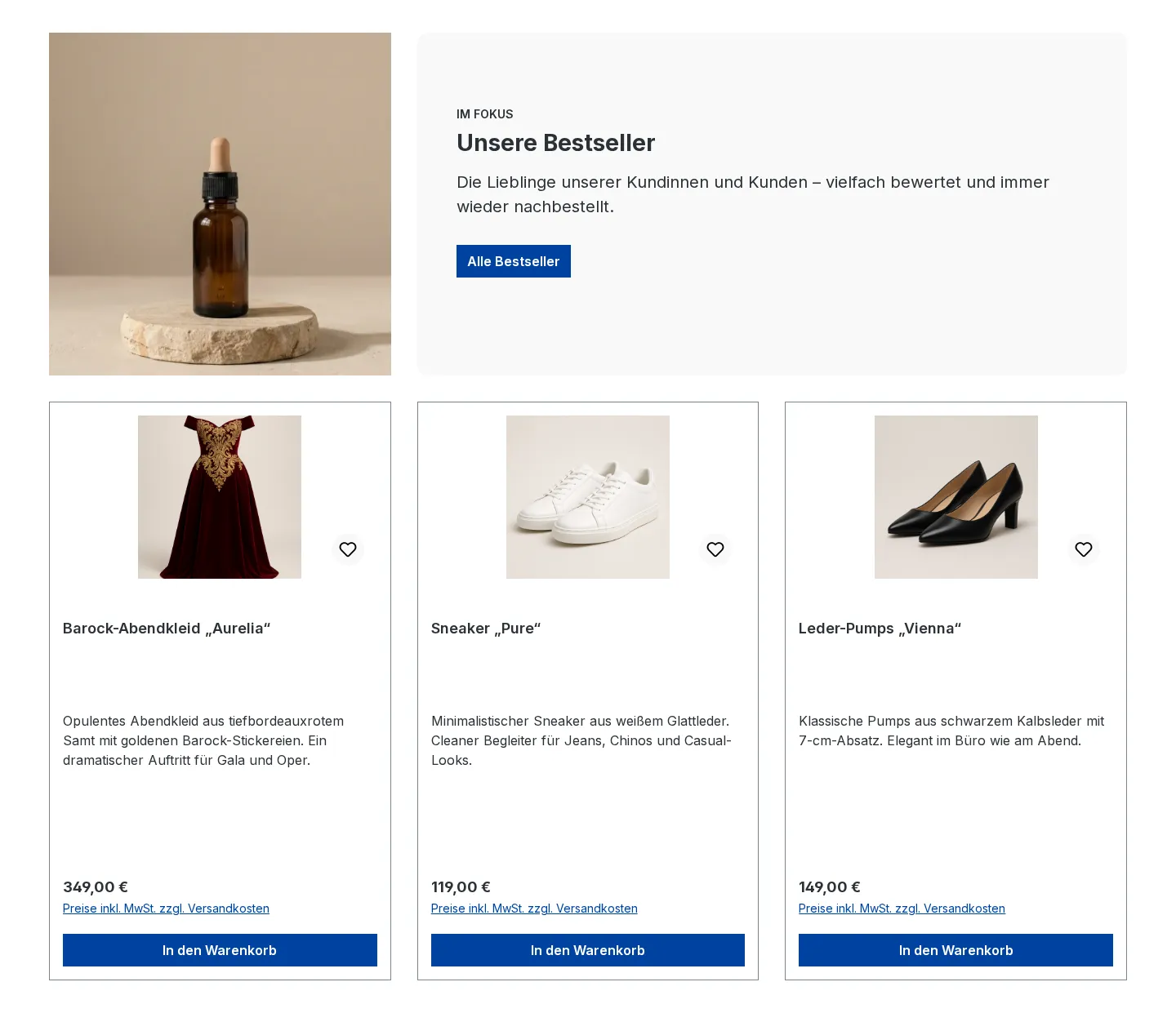
Product highlight with three products
An image and copy introduce a topic, with three product boxes below. Pick the three products after inserting.
 Preview
Product highlights
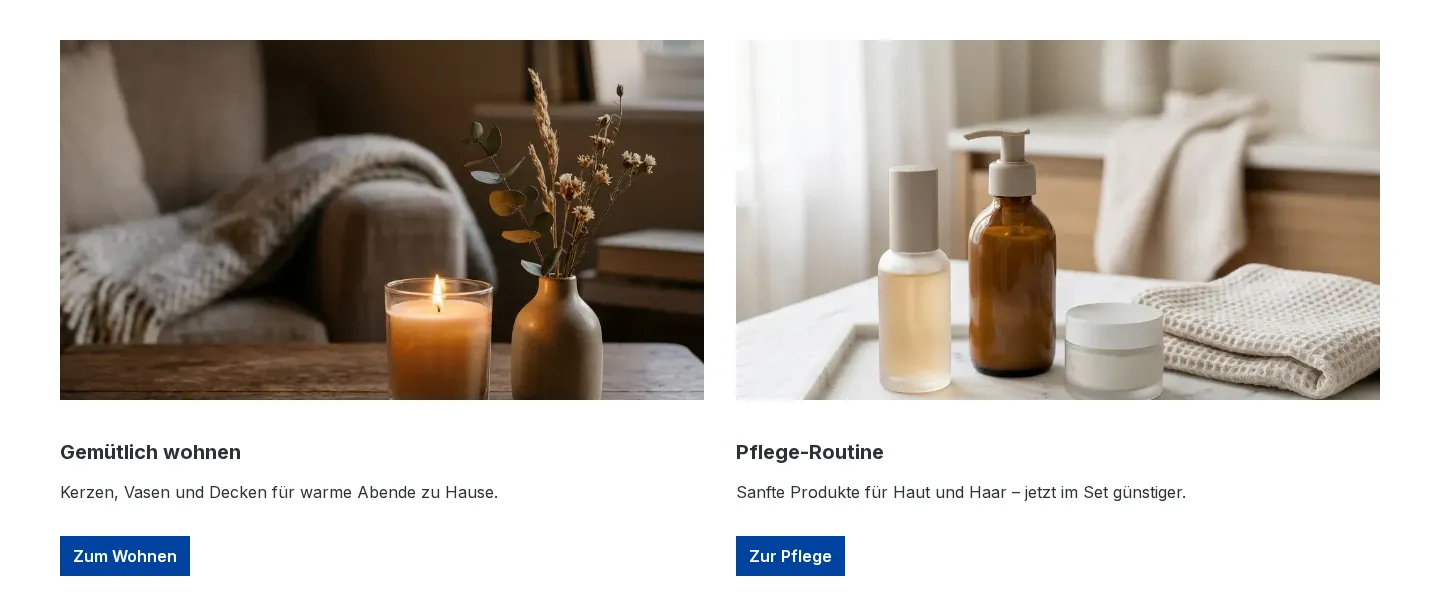
Two promo tiles
Two equal tiles with an image, short copy and a button. For two offers, categories or topics side by side.
 Preview
Image & text
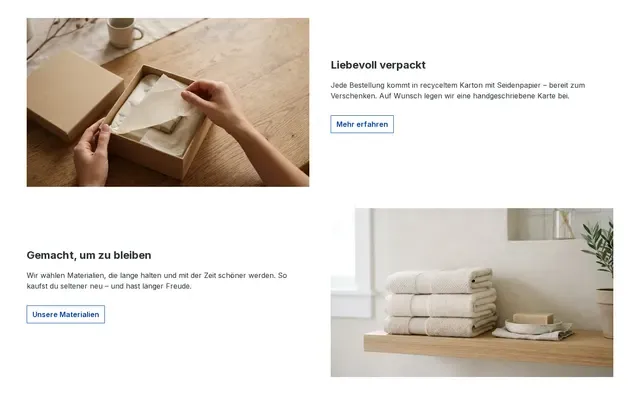
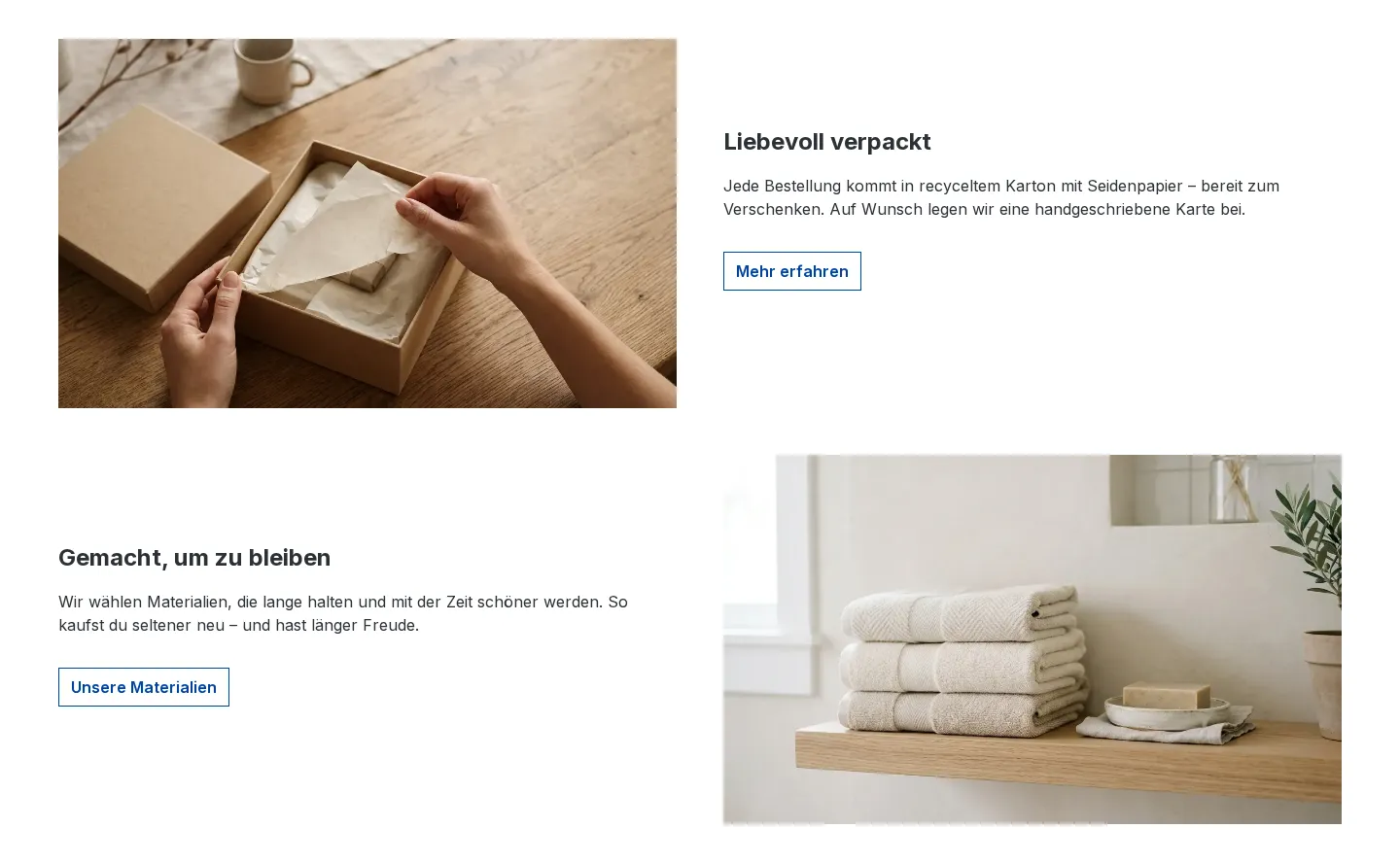
Alternating image and text
Two image/text pairs, alternating left and right. On phones each image sits above its text.
 Preview
Image & text
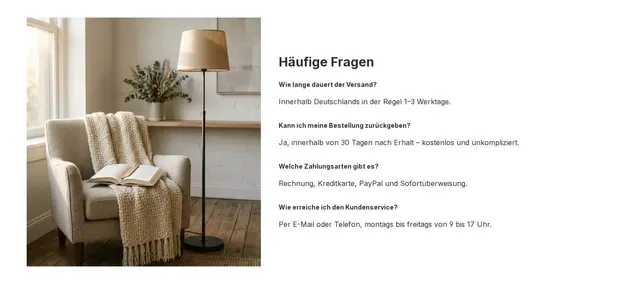
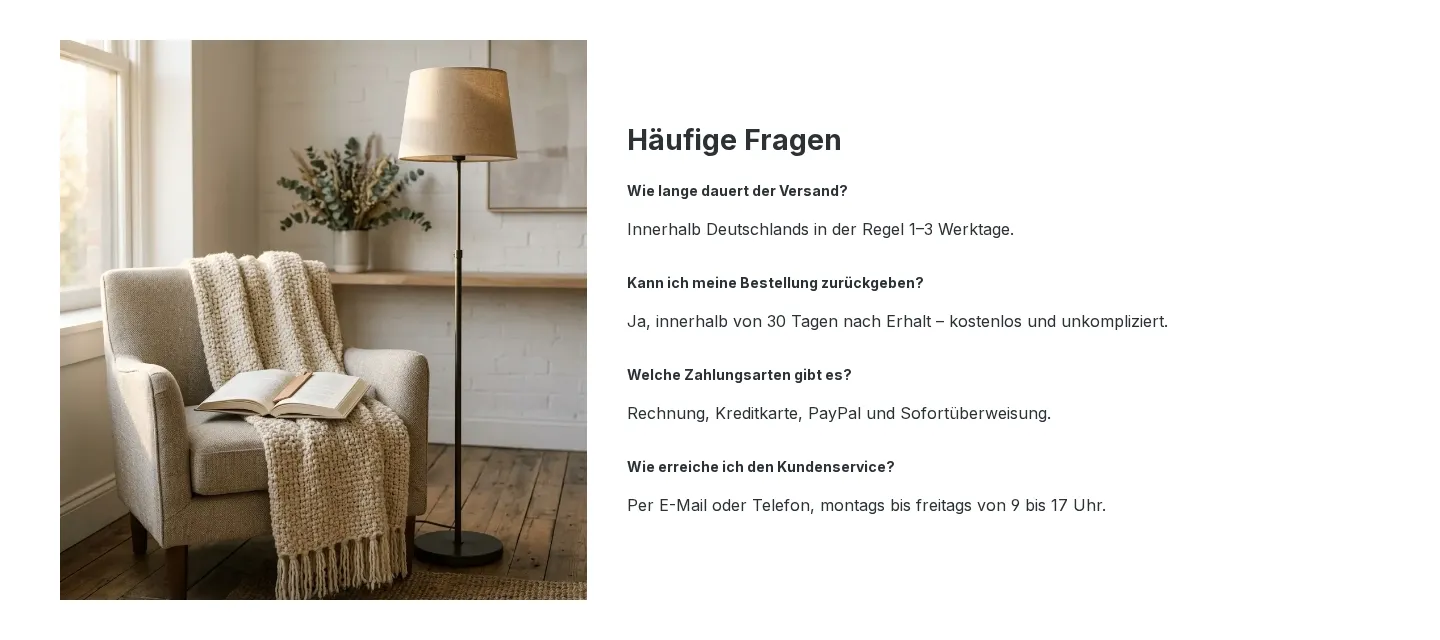
Image with frequently asked questions
A mood image next to four frequently asked questions with short answers. Handles objections right on the page.
 Preview
Newsletter & call to action
Newsletter call to action
Centred newsletter sign-up call with a benefit and a button on a light background. Point the link to your sign-up page.



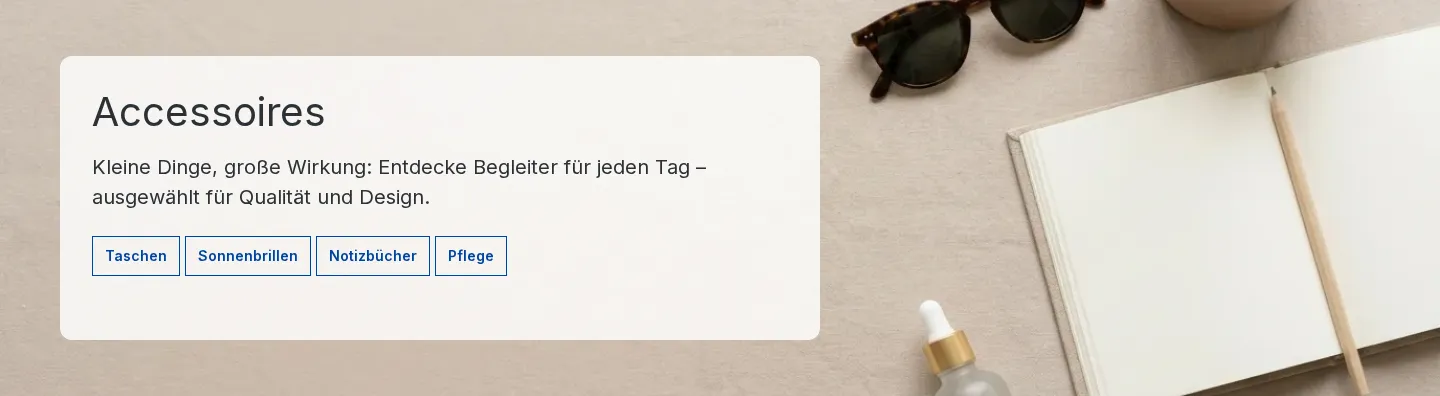
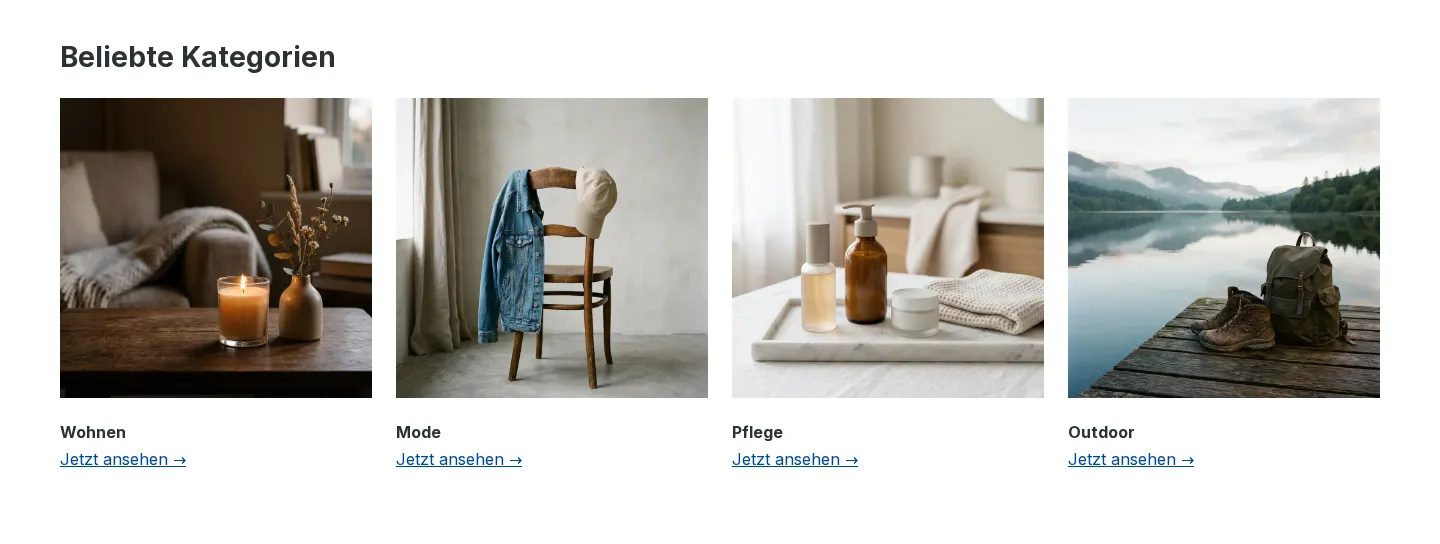
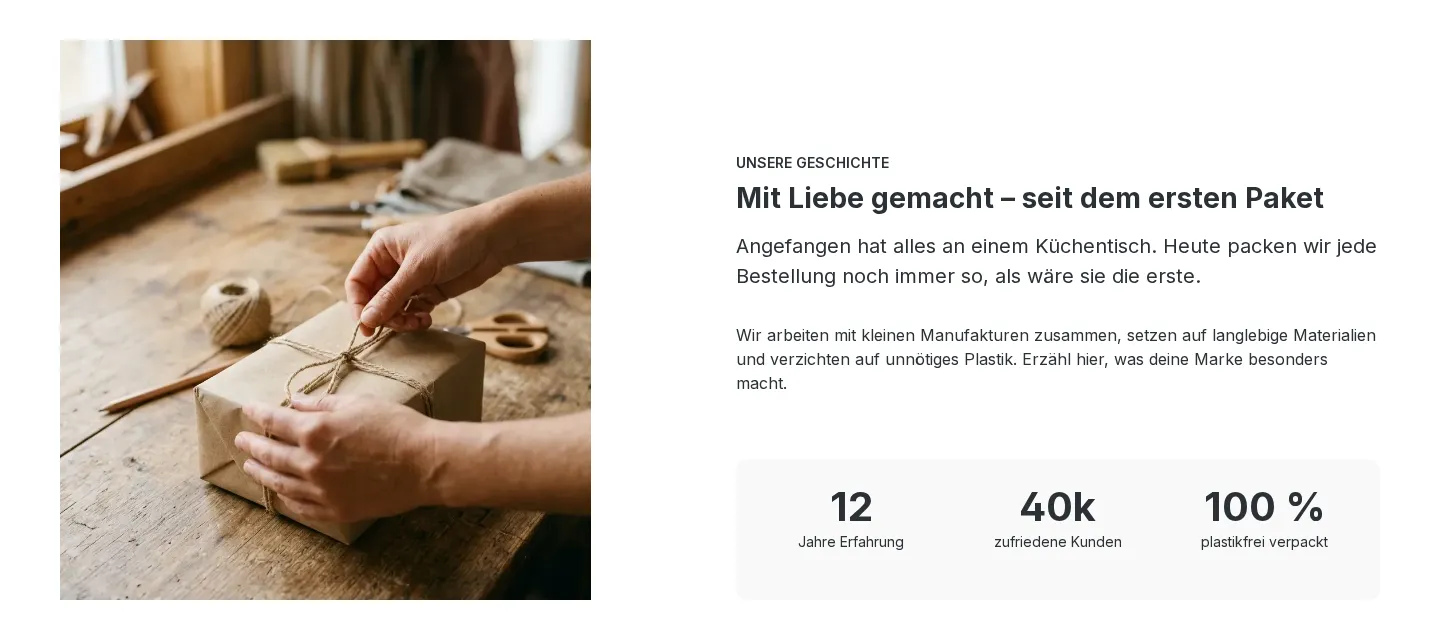
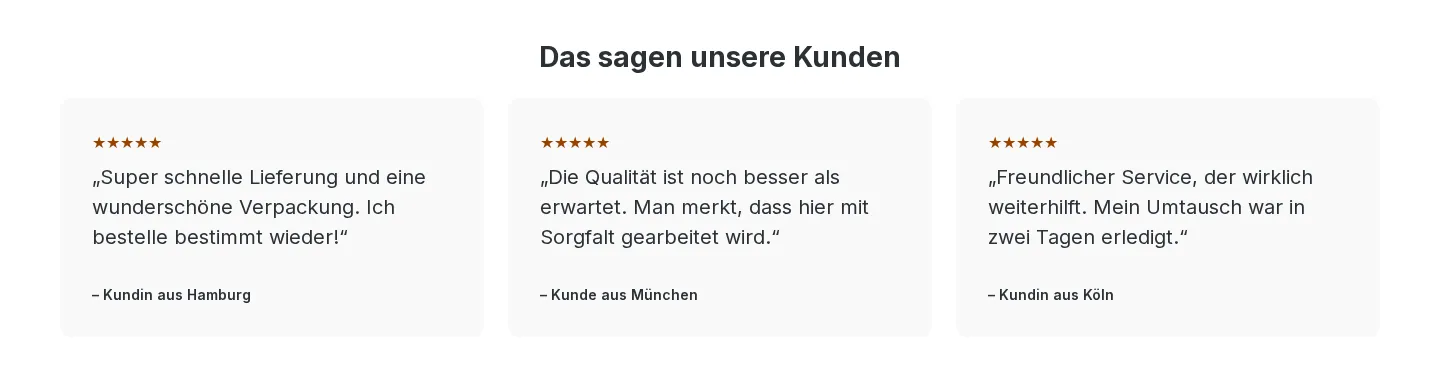


Previews use placeholder images in the Shopware default theme. In your shop, the templates pick up the colors and fonts of your theme.
How it works
A finished section in three steps
- 01
Pick a template
Open the template library in the Shopping Experiences editor, filter by category or season and check the desktop and mobile previews.
- 02
Insert it with one click
The section lands exactly where you chose – with grid, elements, placeholder images, texts in German and English and finished styling.
- 03
Customize and save
Swap images and texts, assign products, save. Colors and buttons come from your theme, so the template matches your shop.
Included
15 templates are included in every Grid Builder Pro license from version 3.4.0, at no extra cost.
Pro
6 seasonal Pro templates, for example for Black Week and Christmas, are part of the optional “AI Generator & Template Subscription” (in-app purchase, cancel monthly). You can unlock them right in the library.
Requires Shopware 6.7 and Grid Builder Pro 3.4.0 or later.Read more in the documentation
Never start with an empty Shopping Experience again
Try Grid Builder Pro in the Shopware Store and get your first template live in minutes.