
E-Commerce
BronzeSize Charts
Professional size charts for apparel shops
Video
How Size Charts works
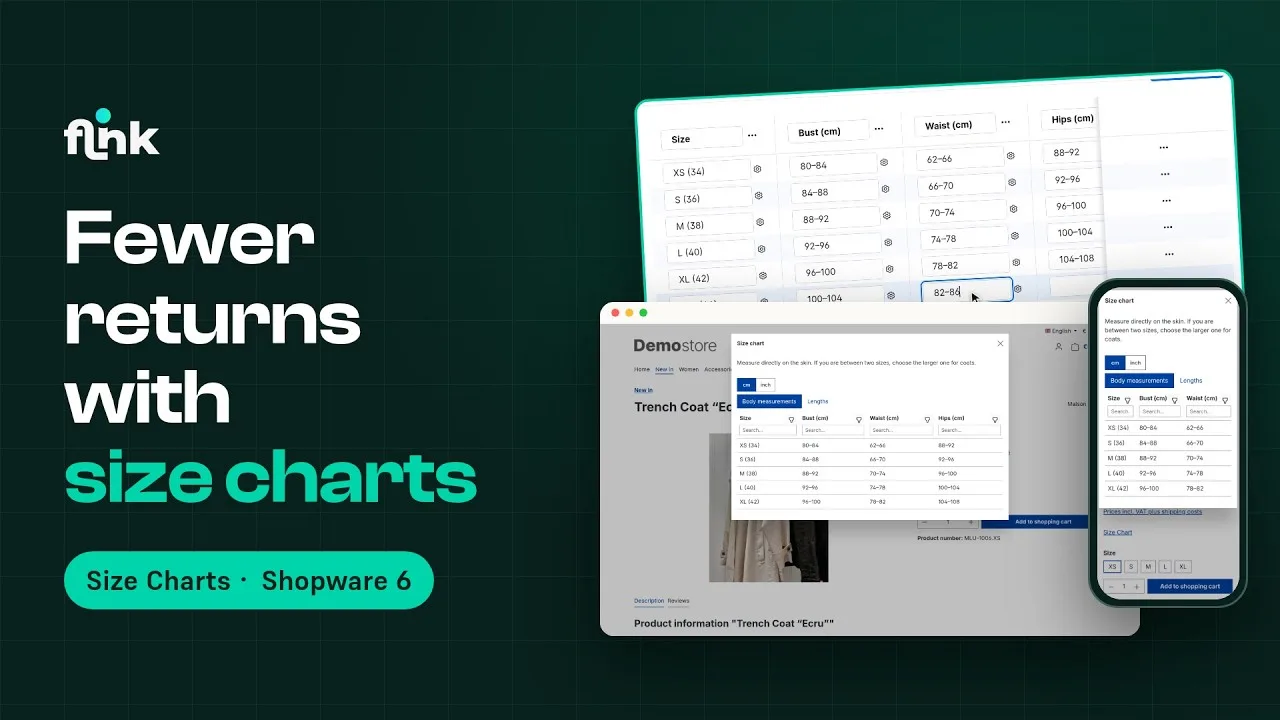
Playing the video loads it from YouTube and transfers data to YouTube. Privacy policy
Highlights
What Size Charts can do
- Manage size charts centrally and assign them automatically – by product, dynamic product group, category or manufacturer
- As many tabs, columns and rows per chart as you need
- Easy WYSIWYG chart editor with live preview
- CSV import for charts and product assignments
- cm/inch switch, row highlighting, column search and filter for customers
- As a popup on the product page or as an element in Shopping Experiences
Features
Why Size Charts?
Manage centrally, assign automatically
Create as many size charts as you like in one place and assign them directly, via dynamic product groups, categories or manufacturers – with a clear priority order.
WYSIWYG editor & CSV import
Build charts comfortably in the Administration – with several tabs for different units of measurement – or import them via CSV. Individual products can get their own customized chart if needed.
Popup or Shopping Experience
The chart opens in a popup whose button, position and width you set yourself – or you show it directly on a page with a Shopping Experience element.
Fewer returns
A cm/inch switch, row highlighting and search and filter per column help customers find the right size the first time.
Description
A must for every apparel shop. This plugin makes sure your customers always buy clothes that fit perfectly – which means fewer returns.
Manage as many size charts as you like in one place – in the easy WYSIWYG chart editor with live preview or via CSV import. A special highlight: add several tabs per chart to offer your size charts in more than one unit of measurement.
You assign the charts to match your product range: directly on the product, via dynamic product groups, via categories or brand-wide via manufacturers. If several rules match, a clear priority order decides. If a single product needs different measurements, you adjust the chart right on the product.
On the product page, the size chart opens in a popup. You set the popup’s button, position and width in the plugin configuration. Alternatively, you show the chart directly on a page with the “Size chart” Shopping Experience element. Your customers can switch between cm and inches, highlight their size with a click and search or filter columns.
The plugin is available for Shopware 6.7.
Live-Demo
Try Size Charts yourself
The plugin is installed and set up in our demo shop – no installation of your own needed.
Administration
Explore the settings in the admin
See how you set up the plugin in the Shopware admin.
- User
- demo
- Password
- demo1234
Size Charts from €8.33/month
Install it straight from the Shopware Community Store and use it in your shop right away.