
Performance
Responsive Display
Show and hide sections & blocks for each device
Video
How Responsive Display works
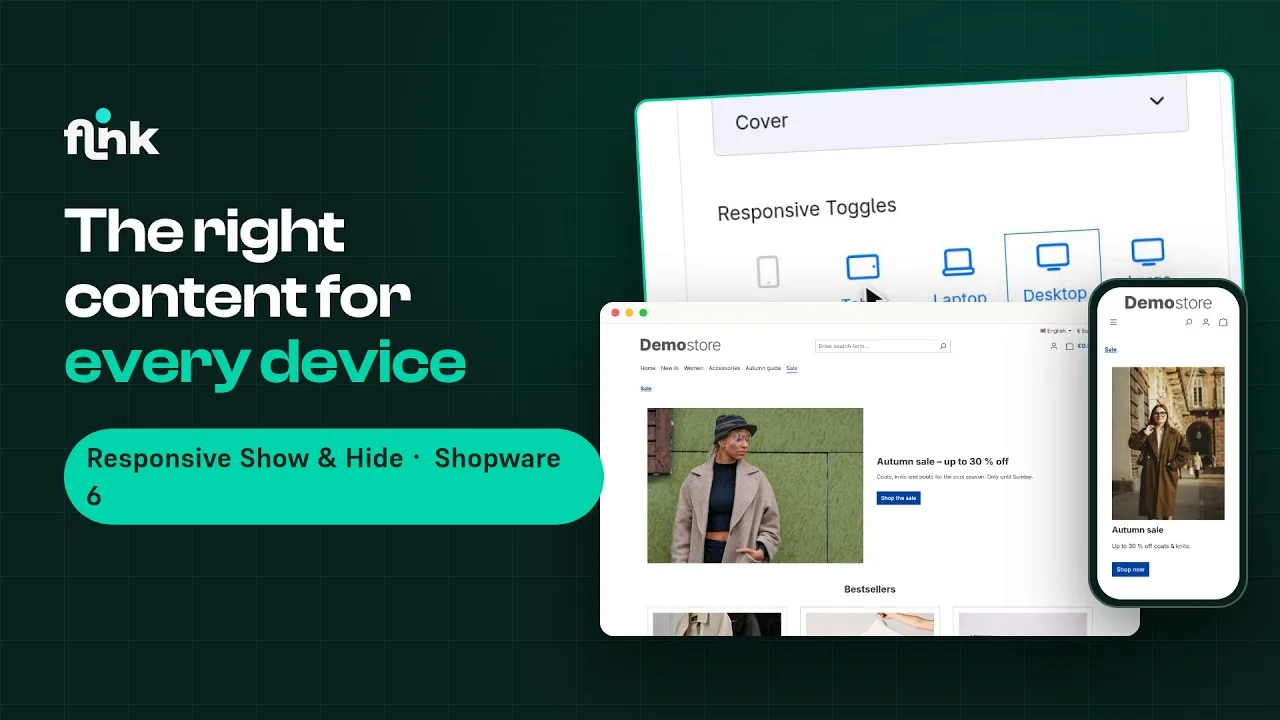
Playing the video loads it from YouTube and transfers data to YouTube. Privacy policy
Highlights
What Responsive Display can do
- Show and hide sections and blocks depending on the device
- Preview the device views right in the Administration editor
- Selection and preview for five different screen sizes
- Showing and hiding without JavaScript – no impact on load times
Features
Why Responsive Display?
Five screen sizes
Build ideal layouts for phones, tablets, laptops, large and extra-large monitors – selected with five simple toggles.
Preview in the editor
See right in the Shopping Experience editor on which devices a section or block is visible – no more constant switching.
Show and hide with CSS
Showing and hiding is done purely with CSS, without any JavaScript – with no negative impact on load time.
Load images efficiently
If you like, blocks with images are only loaded when they're actually displayed – that improves scores in tools like Lighthouse.
Description
Does your shop look great on a computer but leave a lot to be desired on mobile devices? Are elements way too big on a smartphone but perfect on every other device? Then the “Responsive show & hide for Shopping Experiences” plugin was built for exactly that.
This extension lets you show or hide different areas on different devices. For example, you can show elements on smartphones but not on desktops – with a single click. If you like, the editor also shows you a preview of the devices on which a section or block is visible. So you no longer have to keep switching between the Administration and the shop.
You can show and hide entire sections as well as individual layout blocks – specifically on phones, tablets, laptops, desktops or extra-large monitors.
Live-Demo
Try Responsive Display yourself
The plugin is installed and set up in our demo shop – no installation of your own needed.
Administration
Explore the settings in the admin
See how you set up the plugin in the Shopware admin.
- User
- demo
- Password
- demo1234
Responsive Display from €8.25/month
Install it straight from the Shopware Community Store and use it in your shop right away.